
Professional Change Management
Change Orders That Protect Your Profits
Stop losing money on scope changes. Create professional change orders with automatic pricing, get client approvals digitally, and track every change to protect your margins.
- Create change orders in minutes
- Automatic pricing and markup
- Digital client approvals
- Budget impact tracking
- Complete audit trail
- Photo documentation
Professional Change Order Management
Everything you need to manage scope changes professionally and profitably
Quick Creation
Create professional change orders in minutes with templates, pricing, and descriptions.
Automatic Pricing
Pull pricing from your estimates or create new line items with automatic markup calculations.
Approval Workflow
Send change orders to clients for digital approval with clear pricing and scope changes.
Budget Impact
See exactly how each change order affects project budget, timeline, and profit margins.
Complete History
Track all changes with full audit trail of what changed, when, and who approved it.
Client Portal Access
Clients review and approve change orders online with e-signatures - no paper needed.
Payment Integration
Automatically update invoices and payment schedules when change orders are approved.
Photo Documentation
Attach photos showing why changes are needed - helps with client approval and documentation.
How It Works
From identification to execution - simple and professional
Identify Change
Client wants to upgrade fixtures or unexpected conditions require additional work.
Create Change Order
Add line items, pricing, and description. System calculates totals and updates budget.
Get Approval
Send to client via portal or email. Client reviews pricing and approves with e-signature.
Execute & Track
Work proceeds and invoices update automatically. Full tracking of approved changes.
Real-World Change Order Scenarios
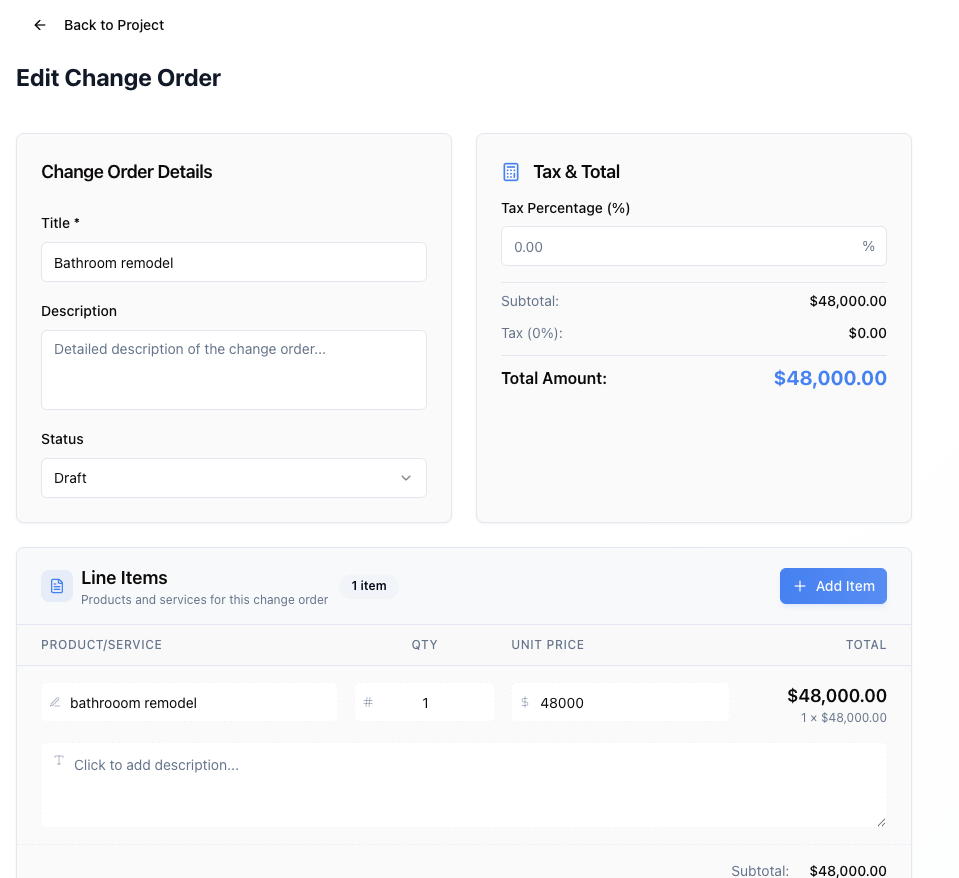
Upgrade Requests
Homeowner decides to upgrade kitchen countertops from granite to quartz mid-project. Create change order with $3,500 price difference, send for approval, and client signs from their phone in 10 minutes.
- Professional documentation and quick approval
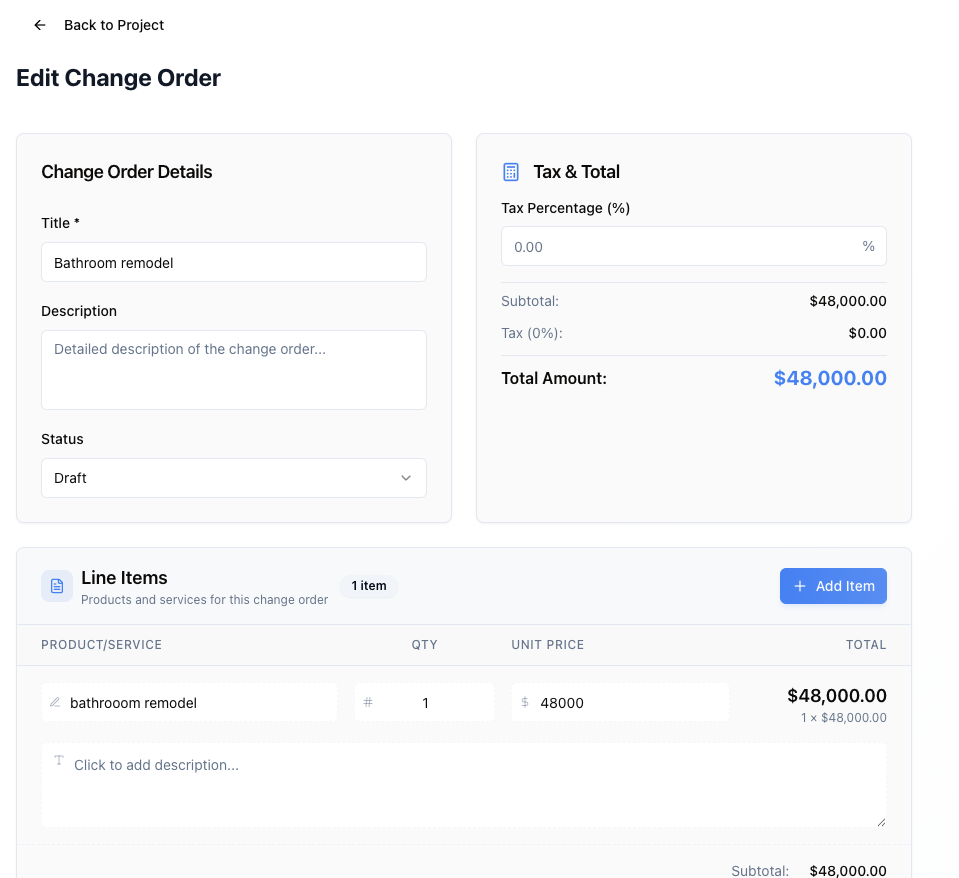
Unexpected Conditions
Foundation excavation reveals poor soil requiring additional engineering and deeper footings. Document conditions with photos, create $8,200 change order, and get client approval before proceeding.
- Protect profit margins on unforeseen work
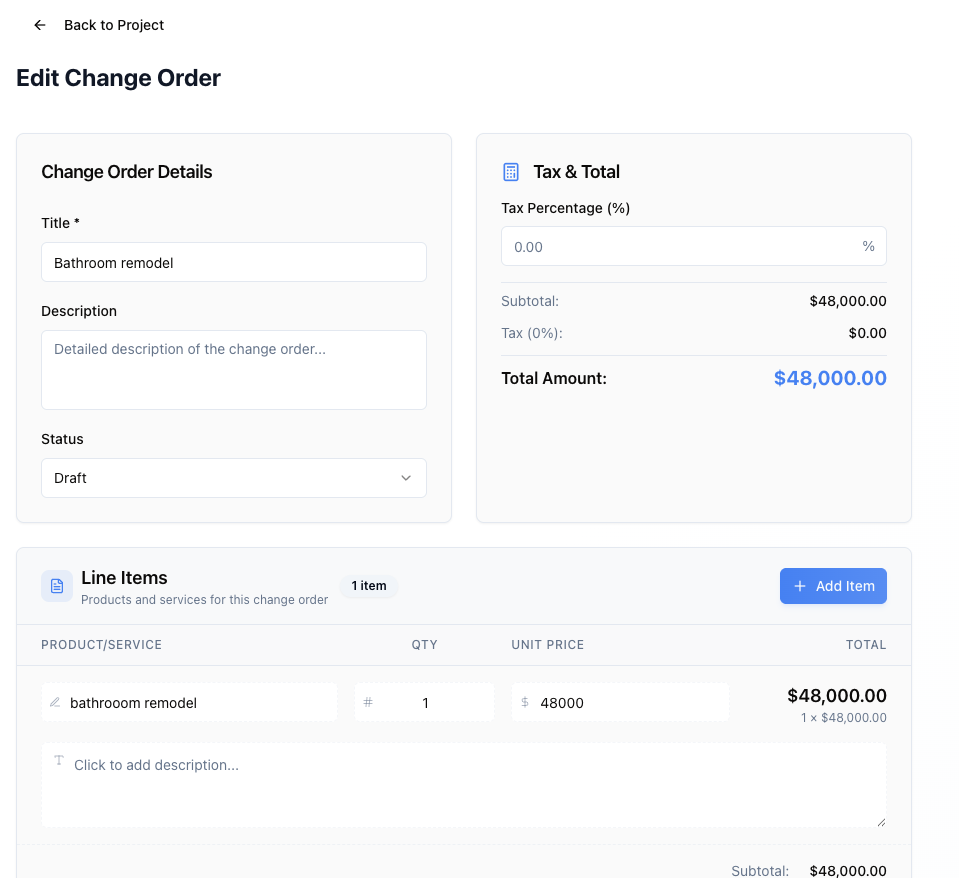
Scope Additions
Commercial client wants to add three additional offices to the buildout. Create comprehensive change order with materials, labor, and timeline impact. Full transparency prevents disputes.
- Clear documentation prevents payment issues
Frequently Asked Questions
“Change orders used to be a nightmare - lost paperwork, verbal approvals, and payment disputes. Now everything is documented, clients approve online, and our invoices automatically update. We've eliminated 100% of change order disputes.”
Complete Your Toolkit
These features work great together with what you just explored.
Estimating & Quoting
Change orders build on the original estimate pricing.
Learn moreContract Management
Change orders are tracked against the signed contract.
Learn moreClient Portal
Clients approve change orders online with e-signatures.
Learn moreBudget Tracking
Change orders automatically update project budgets.
Learn moreReady to Manage Change Orders Professionally?
Join contractors who protect their profits with professional change order management.